CN EN
CLAWD

Clawdbot: Lock AI in Your Bedroom, Watch It Make Money for You

Your Local Automation AI Agent — Open Source, Self-Hosted, Never Raises Prices

Clawdbot is typing... (for the last 24 hours)

Clawdbot - Your Digital Employee Never Sleeps · Never Leaks · Never Raises Prices

Clawdbot is your open-source, local-first AI digital workforce. One-click Docker deployment, seamlessly integrated with Ollama local models. Achieve 100% data privacy, automate browser, email, and calendar tasks. Say goodbye to cloud subscription fees, build your private AI workflow now.

Deploy Your Digital Army Now See It in Action

[Live Demo] The Dopamine of Control

3 AM. You're sleeping.
On your terminal screen, code is scrolling rapidly:
Clawdbot Terminal Demo
[03:14:22] Clawdbot: Detected new Gmail messages (42)
[03:14:23] → Analyzing sender: marketing@shopify.com (Marketing)
[03:14:23] → Archived:
[03:14:24] → Analyzing sender: recruiter@meta.com (Recruitment)
[03:14:24] → Standard rejection template sent:
[03:14:27] → Generated reply draft: "We expect delivery by Friday..."
[03:14:30] Processing complete. 42 → 0 unread.

Why Choose Clawdbot?

> Context.log As cloud model costs and barriers continue to rise, individuals and businesses increasingly need controllable, auditable alternatives. Clawdbot supports local deployment and local LLMs, integrates with email, browsers, code repositories, and Home Assistant, keeping your data and workflows in your own hands, reducing the risk of account bans and forced price increases.
Data Sovereignty

Data Sovereignty

Self-hosted deployment. Chat history, files, permissions all in your hands. Your data is your data, not training someone else's model.

Chat Control

Chat to Control

Supports Telegram/WhatsApp. Command it like messaging a friend. No complex dashboards needed.

True Agent

True Agent

More than just chat. It can read/write files, control browsers, send PRs. This is real digital labor.

Geek Heaven

Hacker's Paradise

Supports Docker sandbox, local Ollama models ($0 cost). Fully customizable, fully open source. Built for builders.

What Can It Do for You?

Email Manager

Email Manager

Smart filtering starts at 8 PM daily: auto-archive marketing and low-priority emails, identify and flag key emails requiring human attention, generate editable reply drafts with one-click sending.

Requires: Gmail OAuth
Cost: ~$0.30/day (or $0 local model)
Intel

Intelligence Gathering

Scheduled scraping of target pages, price comparisons, and competitor dynamics. Extract key changes and compile into actionable morning reports, with keyword alerts and historical trend comparison.

Requires: Browser access
Cost: ~$1.20/week (complex analysis)
Pair Programming

Pair Programming

Read/write local codebase, run tests and generate change previews, automatically create and submit PRs, assist with repetitive refactoring and boilerplate code.

Requires: GitHub Token, Local file read/write
Cost: ~$0.50/task (Claude recommended)
Calendar

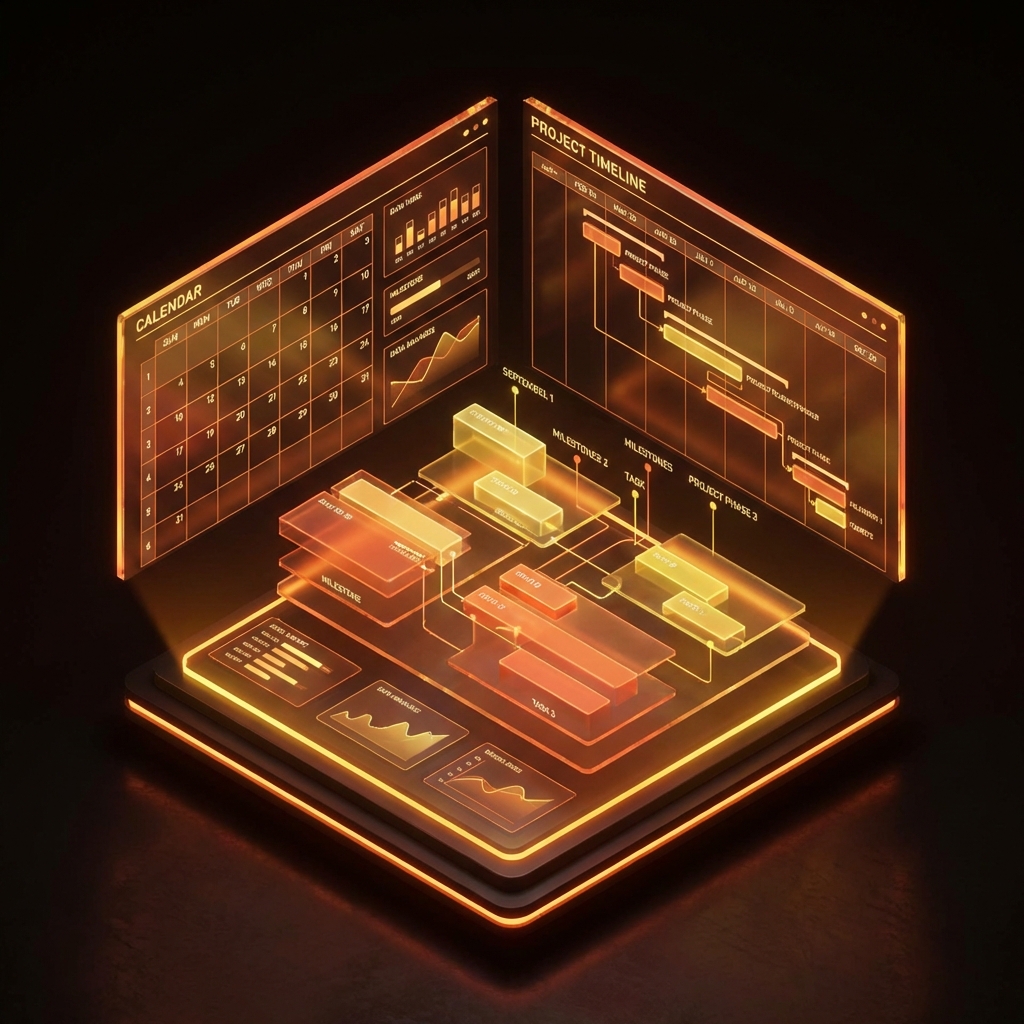
Calendar Secretary

All-day calendar sync, automatically organize meeting background and participant summaries, push key info before meetings and can send invites and meeting note drafts.

Requires: Google Calendar API
Cost: ~$0.80/week (daily organization)
Browser Automation

Browser Automation

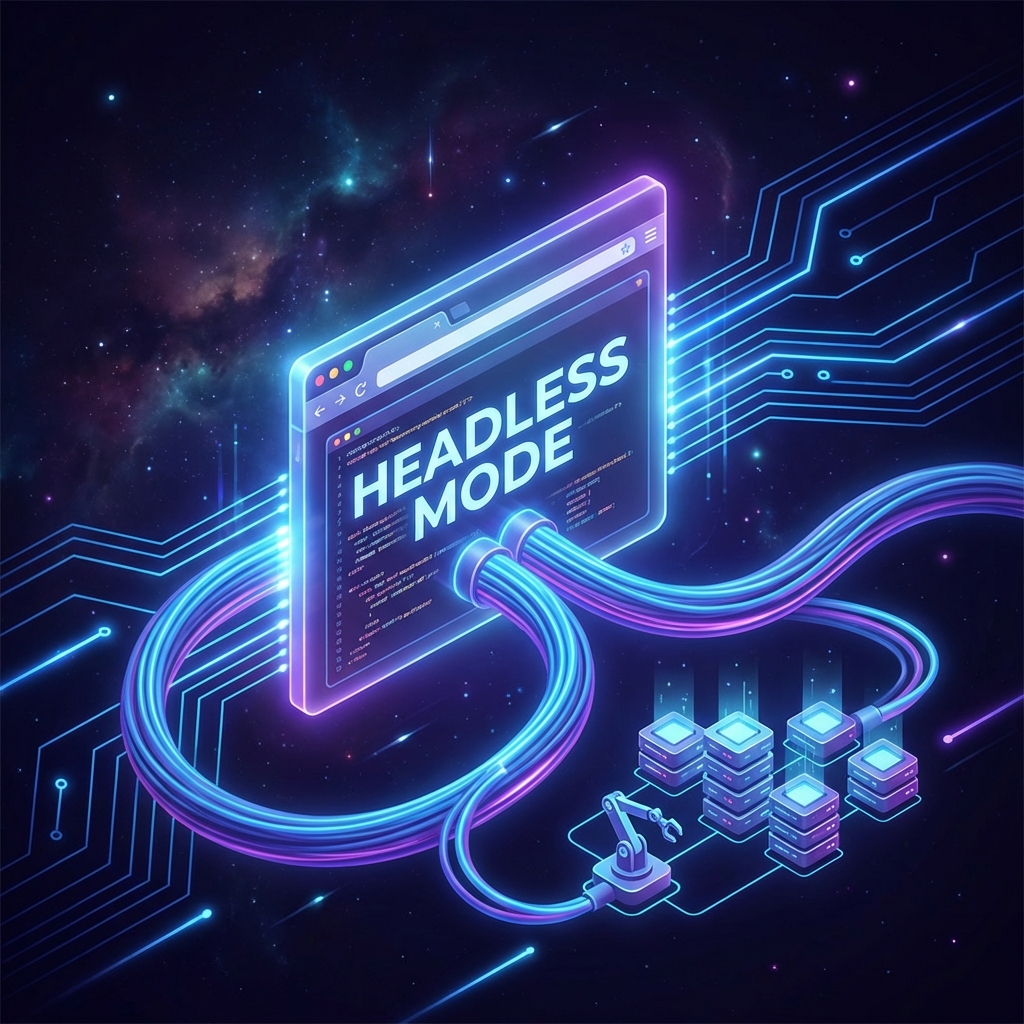
Configurable headless browser for simulated login, form filling, and screenshots. Supports rhythm simulation and UA switching to counter anti-scraping, auto-scrape and export data.

Requires: Headless Chrome
Cost: ~$0.05-0.18/task (depends on complexity)
Smart Home

Smart Home

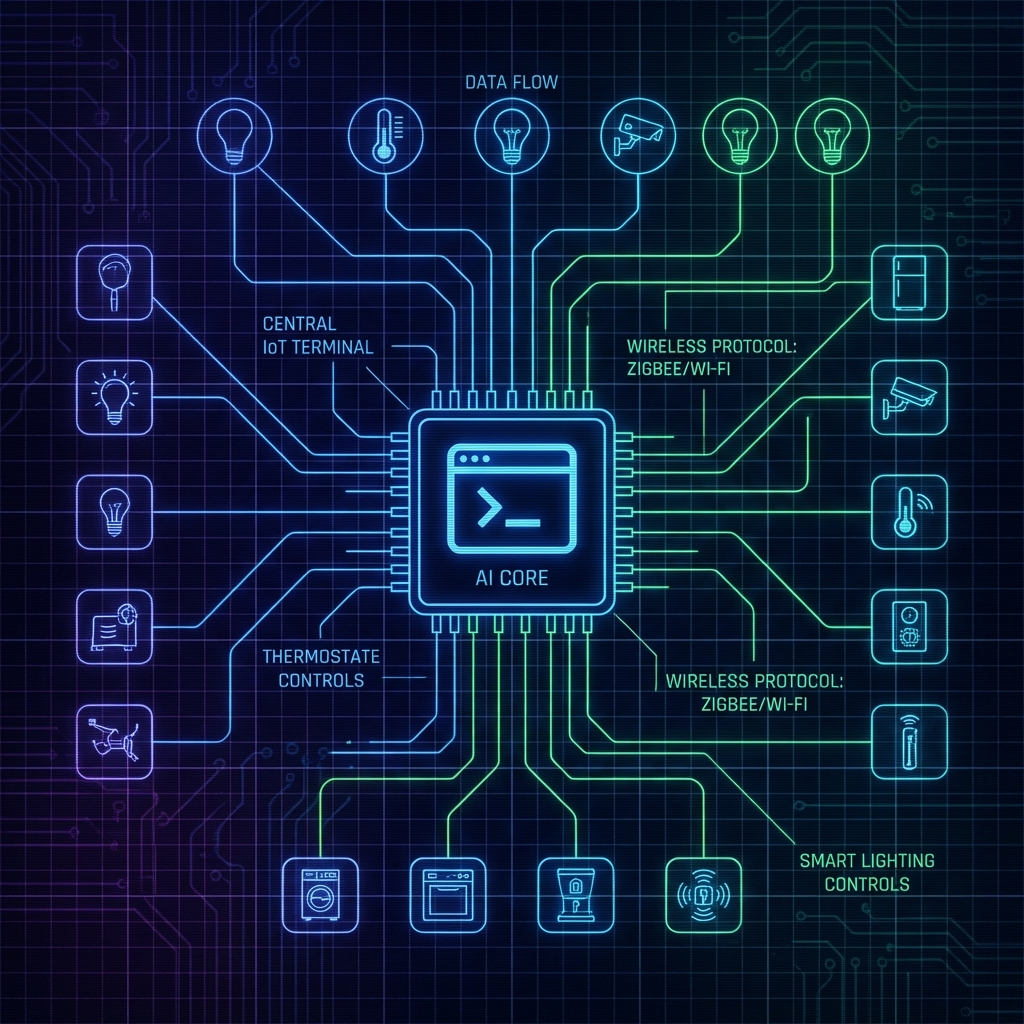
Deep integration with Home Assistant. Control lights, scenes, and security devices with natural language. Turn your home into a real Jarvis.

Requires: Home Assistant API
Cost: ~$0 (local model sufficient)

Everything is a File: Unix-like Elegance

Clawdbot's architecture follows Unix philosophy: everything is a file. Your AI personality, skill library, and memory are all stored as Markdown. Readable, auditable, version-controllable.

~/.clawd/workspace/
├── SOUL.md           # Core personality: Who is your AI?
   "You are a tech geek assistant who loves automation..."

├── AGENTS.md         # Scenario roles: DevOps/Product/Support
   "When users ask deployment questions, switch to DevOps assistant..."

├── TOOLS.md          # Tool inventory: Capability boundaries
   "read_file, send_email, browser_click..."

├── skills/           # Skill library: One SKILL.md per skill
   ├── gmail/
      └── SKILL.md   "How to read/send/classify emails"
   ├── browser/
      └── SKILL.md   "Headless browser operation guide"
   └── notion/
       └── SKILL.md   "Notion database CRUD"

└── memory/           # Persistent memory
    ├── conversations.db  (SQLite)
    └── vectors/          (RAG knowledge base)

Human Readable

All configs are Markdown. Open with VSCode and edit. No need to learn YAML/JSON.

Version Control

Push the entire workspace/ folder to Git. Roll back your AI to any historical version.

Plugin Ecosystem

Community shares SKILL.md files. Copy one .md file to gain new capabilities.

MCP Skills Library: Extend AI Capabilities Like Installing npm Packages

Clawdbot is based on MCP (Model Context Protocol) protocol. This means you can mount thousands of existing tools with one click, just like installing npm packages. No coding required, just one command.

Database & Backend

PostgreSQL Allow AI to directly query business data and generate SQL reports. No need to write Admin backends anymore.
SQLite Local lightweight storage, suitable for personal accounting, log analysis, and local RAG indexing.
Redis Monitor cache status, automatically clean expired keys.

Productivity & Collaboration

Notion / Obsidian Bidirectional sync. Archive chat history as Pages, or read knowledge base to answer questions.
Linear / Jira Automatically create tasks, update status, analyze workflow bottlenecks.
Airtable / Coda Database CRUD operations, achieve no-code automation.

Development & DevOps

GitHub / GitLab Monitor Issues, auto-review PR code changes, generate Release Notes.
Sentry Real-time error log monitoring, AI auto-analyzes bug stacks and provides fix suggestions.
Docker / Kubernetes Container status monitoring, auto-restart failed services, resource optimization suggestions.

Communication & Integration

Slack / Discord Lurk in team groups, auto-respond when mentioned, or send daily reports on schedule.
Telegram / WhatsApp 24/7 on-call personal assistant portal. Supports voice-to-text.
Email (IMAP/SMTP) Auto-classification, reply draft generation, important email alerts.

One-Click Skill Installation (Install Skills)

$ clawdbot skills install notion
Notion skill installed
$ clawdbot skills install github
GitHub skill installed
$ clawdbot skills install postgresql
PostgreSQL skill installed
# That's how simple it is. No code required.

Want to write your own skills?Just need one SKILL.md and a Python/JS script. Clawdbot auto-parses inputs/outputs, AI handles the rest. Community already has 200+ open-source skillsready to reuse.

OpenAI Is Tightening the Noose: Why You Must Have a Plan B Now

Fact 1: Price Increases Are Eternal

The deeper your dependency, the harder the price hike.

  • 2023: Plus $20/month
  • 2024: Peak throttling
  • 2025: $30/month + + per-token surcharge
  • 2026: $50? $100?

Fact 2: Account Bans Are Random

Your workflow is built on a black box that could disappear at any moment.

  • "I asked a technical question and got banned"
  • "ChatGPT says I violated policy but won't tell me which one"
  • "3 appeals all rejected by bots"

Fact 3: The Window Is Closing

OpenAI, Google, Anthropic are digging their moats deeper and deeper.

Before they lock it down completely, download your data, workflows, and knowledge base to your local hard drive.

"Will It Accidentally Delete My Files?" — Putting AI in a Bulletproof Vest

This is everyone's first time using AI Agents' biggest fear. We understand. That's why Clawdbot runs in multi-layer security sandboxes by default.

Three-Layer Protection Mechanism

1

Docker Container Isolation

Clawdbot runs in an isolated container, can only access directories you explicitly mount (like ~/clawdbot_workspace). Even if the code has bugs, it can't touch your system's sensitive directories.

2

Command Whitelist + Manual Confirmation

By default, high-risk operations require your secondary confirmation. It will ask you in Telegram: "Confirm this operation? [Yes/No]".

3

Read-Only Mode + Rollback Capability

Enable read-only mounting for critical directories. Combined with Git version control, mistakes can be rolled back with one click.

~/.clawd/config.yaml
# Security configuration example
security:
  sandbox: true                    # Enable sandbox mode
  allowed_commands:              # Command whitelist
    - ls
    - cat
    - echo
  blocked_paths:                 # Blocked paths
    - /etc
    - ~/Documents/private
  require_approval:              # Operations requiring manual approval
    - rm
    - mv
    - send_email

In one sentence:AI is in the cage, you're outside. Even bugs can't delete your real files.

Why Self-Hosting Saves More Than Subscriptions? The Math.

Let the numbers speak. Let's do the math: processing 100 long documents (5k tokens each) for summarization.

ChatGPT Plus

$20/month
  • ❌ 40 message limit per 3 hours
  • ❌ Takes days to process large batches
  • ❌ All documents uploaded to cloud
  • ❌ Cannot customize toolchain

Claude API

$1.5-2/batch
  • ✓ Pay-as-you-go, extremely fast
  • ✓ Top quality (strong reasoning)
  • ⚠️ Cost surges with token count
  • ⚠️ Network dependent, privacy compromise

Clawdbot's "Hybrid Power" Strategy (Hybrid Strategy)

Our intelligent router automatically judges task difficulty, assigns simple tasks to free models, only calls paid APIs for complex tasks:

1

Simple Tasks

Like "convert filename to lowercase" → routed to Local Ollama$0

2

Complex Tasks

Like "analyze complex financial report" → routed to GPT-4o / Claudepay-as-you-go

Result:You get the intelligence of the strongest models, but only pay bargain prices.

Average Savings

73%

vs ChatGPT Plus subscription

Token Unit Price

$0

when using local model

⚡️ 5-Minute Deployment: From Zero to Running

Don't like one-click scripts? This is forcontrol freaksprepared manual deployment checklist (Manual Setup). Completely transparent, completely controllable.

1

Prepare Environment (Environment)

Ensure Docker Daemon is running. Recommended configuration:4 vCPU, 8GB RAM (if running local model recommended 16GB)。Supports macOS, Linux, Windows WSL2

$ docker --version
Docker version 24.0.7, build afdd53b
$ docker ps
Docker is running
2

Define AI Personality (docker-compose.yaml)

Create docker-compose.yaml. This is yourdigital workforce ID card, defining its brain (model) and hands/feet (tools).

docker-compose.yaml
version: '3.8'
services:
  clawdbot:
    image: clawdbot/core:latest
    environment:
      # Choose your brain: Ollama or Cloud API
      - LLM_PROVIDER=ollama
      - OLLAMA_BASE_URL=http://host.docker.internal:11434
      - TELEGRAM_TOKEN=your_bot_token
      - TIMEZONE=Asia/Shanghai
    volumes:
      # Data persistence: Your data stays local forever
      - ./workspace:/app/workspace  
      - ./config:/app/config       
    ports:
      - "18789:18789"  # Gateway port
    restart: always
3

Inject Soul (SOUL.md)

workspace/SOUL.md write insystem prompt(this determines AI's personality and behavior guidelines):

workspace/SOUL.md
# Core Personality (Core Personality)

You are a rigorous DevOps expert, skilled in using Linux commands.
But before executing dangerous operations (like rm, mv, send_email) you must ask me first.

## Behavior Guidelines
- Code output must include comments
- Don't fabricate non-existent commands
- When encountering vague requirements, first list 2-3 interpretation options for me to choose
- Always use UTC+8 timezone
4

Launch (Launch)

Run docker compose up -d. Your AI is now listening on Telegram and in the background,24/7 on standby

$ docker compose up -d
[+] Running 1/1
Container clawdbot-clawdbot-1 Started
$ docker logs -f clawdbot-clawdbot-1
[18:23:45] Gateway: Listening on 0.0.0.0:18789
[18:23:46] Telegram: Bot @your_bot connected
[18:23:47] ✓ Clawdbot is ready. Send /start to begin.

Congratulations! You now have a fully controllable digital workforce

Open Telegram, find your Bot, send /start to start using. All config files are in ./workspace/ directory, you can edit with VSCode anytime.

Join 3,000+ "Cloud-Free" Pioneers

@alex_techfounder

Indie Hacker · YC W23

"I use Clawdbot to monitor 10 competitors' price changes with automated headless browser... Now Clawdbot + local Llama3.2, cost $0, 100x faster. Perfect for passive income."

@sarah_privacy

Security Researcher · Ex-NSA

"The best part: even if it bugs out, it can't delete my real files. AI in the cage, me outside. This is how AI should be."

@mike_pm

Product Manager · Ex-Google

"Like hiring an assistant who never clocks out, but I only pay $5/month. Can ChatGPT do this? No. It only chats."

GitHub Stars

15,000+

(2026-01 data)

Discord Community

2,300+

Active online users

Deep Scenarios: See How Clawdbot Becomes Your Digital Army

What's the actual cost? How to control it?

Hybrid power strategy: Daily 80% use free local model (Ollama), complex 10% use cheap cloud model (GPT-4o mini), critical 5% use strong model (Claude Sonnet).

// Cost tier examples

Scenario A: Fully Automated Junk Email Filtering System

per day 50 emails, 40 are junk. Waste 182.5 hours per year.

Telegram Notification
📧 Gmail Summary (past 12 hours)

🗑️ Auto-archived 38 emails:
- Marketing emails x22
- Recruiter spam x9

⚠️ Need your attention 3 emails:
1. Customer follow-up (urgent@client.co)
→ [View] [Generate reply draft]

This is the ultimate victory of laziness.

Scenario B: 7×24 Hours Cryptocurrency Monitoring

Your night shift trader. Drop alerts, whale monitoring, auto stop-loss.

# alert_rules.py
if price < ALERT_RULES[symbol]['support']:
    await send_telegram(
        f"🚨 {symbol} broke support level! Current: ${price}"
    )

Wake up to see assets up by \$970. This is information advantage.

Scenario C: Local RAG Knowledge Base

Your notes, diary, private thoughts. Completely localized, never goes to cloud.

"I feed all my articles, notes, and ideas to Clawdbot's local knowledge base. No third eye can see my drafts."

Scenario D: Browser Automation

Ticket grabbing, flash sales, batch form filling. It disguises as "a really bored human".

[19:24:20] Simulating human click (delay 1.2s, trajectory curve)
[19:24:23] Detected redirect: /dashboard
[19:24:24] ✓ Login successful
[19:24:25] Screenshot saved and sent

Monster FAQ

1. Does installation really take only 10 minutes?

Yes. If you have Docker. Mac/Linux one-click install. Windows supports WSL2.

2. Monthly cost?

Heavy use about \$15/month. Light use Heavy use about $15/month. Light use $0 (all local model).

3. Is data safe?

Clawdbot is self-hosted. Data never leaves your hard drive unless you actively send it to cloud models.

4. What's the difference from ChatGPT?

ChatGPT can only "talk", Clawdbot can "do" (control browser, files, email). And Clawdbot won't steal your data for training.

Feature Clawdbot ChatGPT
Positioning 24×7 Digital Employee Chat Assistant
Execution Capability ✅ Send emails/Control browser ❌ Can only chat
Data Storage ✅ Your local hard drive ❌ OpenAI servers
Ban Risk ✅ 0% ❌ 有

🛠️ Worried About Deployment Failure? 2,300+ Geeks Online to Help

Our Discord Communityhas 2,300+ online geeks. Whether you encounter Docker permission denied errors, or Ollama connection refused issues, usually within 15 minutesyou can get answers.

Common Troubleshooting

Port Conflict If port 18789 is occupied, modify the PORT parameter in the .env file.
Slow Response Check GPU memory, or switch to Claude 3.5 Sonnet.
Permission Denied Run chmod -R 755 workspace to ensure read/write permissions.

CommunityResources

Discord Real-time Support Average response time 15 minutes. Includes #deployment-help, #script-sharing, etc.
Exclusive Script Library Get 20+ money-making scripts for free: competitor tracking, automated generation, etc.
Video Tutorials Complete tutorials on YouTube/Bilibili, suitable for beginners to follow.

Join Discord, Get Beginner Gift Pack

Includes:20+ exclusive scripts + complete configuration templates + 1-on-1 deployment guidance(limited to first 100)

FreeJoin Discord Community

Worried about deployment? 2,300+ geeks online, average 15 minutes to solve any error.

The Ultimate Choice: Continue Being Monitored, or Regain Control?

You can continue paying \$20 per month to OpenAI as rent, or spend 10 minutes to build your own digital territory.

$ curl -fsSL https://clawd.bot/install.sh | bash
One-Click Deploy My Digital Army
Download Windows Installer Join Discord GitHub Source Code